Most business owners we meet have an alarm. Half of them couldn't tell you what the alarm actually does, what it doesn't cover, or whether anyone's listening on the other end. The system was already there when they bought the place, or some guy showed up in 2014 and bolted a panel to the wall, and that was that.
That's fine when nothing happens. The minute something does happen, an outdated or half-installed system turns into expensive paperwork. The break-in still hits your insurance record. The fire still spreads. The disgruntled ex-employee still walks back in with the key you never collected.
This is the checklist we use ourselves when we walk into a Hamilton, Niagara, or GTA business for an audit. It's grouped into five categories so you can work through it room by room. By the end you'll know exactly what your business has, what it's missing, and where to start.
Quick Answer
A complete business security setup in 2026 covers five things, in this order of priority:
- Detection. Door, window, glass-break, motion sensors, and panic buttons.
- Visibility. Exterior and interior cameras with cloud and local recording.
- Life safety. ULC S561 monitored fire alarm. Water and environmental sensors.
- Access control. Key fobs or PIN codes with an audit log. Intercom at deliveries.
- Monitoring. 24/7 ULC-certified central station with cellular backup and video verification.
Skip any of these and you've got a gap. Most break-ins and losses happen at the gap.
In This Guide
- Why business security isn't just bigger residential
- Group A: Detection (the four sensor types every business needs)
- Group B: Visibility (cameras, recording, retention)
- Group C: Life safety (fire, water, environmental)
- Group D: Access control (who gets in and when)
- Group E: Monitoring (the part that makes it all work)
- Quick reference by industry
- 5 mistakes we see on almost every audit
- Where to start if you're starting from zero
- Frequently asked questions
Why Business Security Isn't Just Bigger Residential
A house has one routine: people come home, the alarm gets disarmed, people sleep, the alarm gets armed, repeat. Residential systems are designed around that. A few sensors, one user, a panel by the front door, a cell radio in the basement.
A business doesn't work like that. You've got opening and closing routines, multiple staff with different access needs, public-facing zones during the day that become restricted at night, deliveries, contractors, after-hours cleaners, and an inventory or cash float that walks out the door if anyone leaves a sensor disabled. A residential alarm doesn't know what to do with any of that.
This is what a real commercial alarm system handles that a residential system doesn't:
Partitioning. Different parts of the building can be armed and disarmed independently. The retail floor stays disarmed during business hours while the stockroom and back office stay armed.
Multiple users with audit trails. Each staff member gets their own code or fob. You see who armed and who disarmed, with timestamps. When someone quits, you remove their code in 30 seconds. No locksmith, no rekeying.
Opening and closing reports. The monitoring centre sends you a daily email. The store opened at 8:47am by Sarah. Closed at 9:22pm by Mike. If someone disarmed at 2am on a Tuesday, you find out before you walk in to a robbed store.
Integration with cameras and access control. An alarm trip pulls up the relevant camera feed for the monitoring centre. Police get dispatched on a verified event, not an unverified one. There's a difference between a 35-minute police response and a 6-minute one, and that difference is video verification.
Code-compliant fire monitoring. Most commercial buildings legally require monitored fire alarms, and the monitoring has to come from a CAN/ULC-S561 certified central station. Residential providers are usually not certified for it. Get inspected by your local fire prevention office and find out the hard way.
The bottom line: if you're running a business out of a residential alarm panel, you've got an alarm. You don't have a security system. The two aren't the same thing.

Group A: Detection
Detection is everything that knows when something's wrong. Doors opening, windows breaking, motion in a closed area, someone hitting a panic button at the till. The more layers you have, the harder it is for someone to get past all of them.
Sensors That Catch the Break-In
Doors, windows, motion, glass break, panic. The four sensor types every business needs.
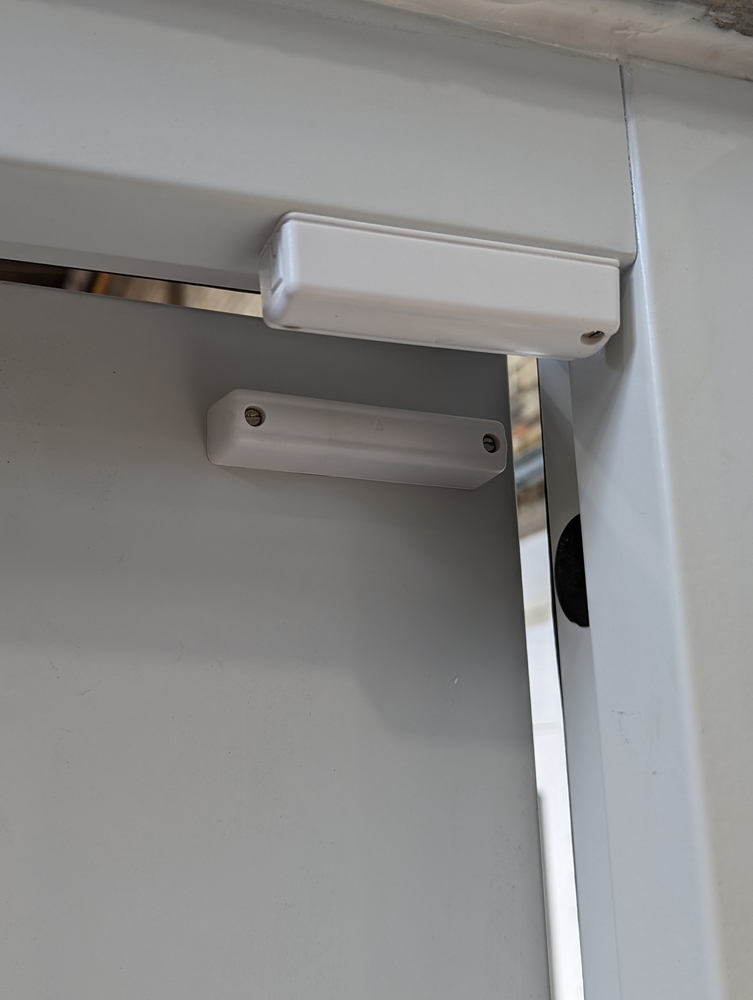
✓ Door and window contacts on every external opening
Front door, back door, side doors, loading bay, fire escape, every operable window. Don't forget the second-floor windows or the roof hatch. We've audited buildings where every ground-floor opening was wired and the second floor was wide open. People still climb in from the dumpster.
Add interior contacts on after-hours sensitive doors too. Stockroom, server room, safe room, walk-in cooler. You want to know if someone got past the perimeter and went straight for the inventory.
✓ Glass-break sensors at customer-facing windows
Door contacts only catch the door opening. Glass-break sensors hear the sound of breaking glass and trigger before anyone gets through. Critical for retail storefronts on the main strips, anywhere with showroom windows, and any business where the easiest entry is the front display rather than the back door.
✓ Motion detectors in interior zones
One in the main area, one in the stockroom or back office, one near the till or safe. Use dual-tech sensors (passive infrared plus microwave) in spaces with HVAC vents, hanging signs, or other things that move when nobody's there. False alarms drop way down once you swap single-tech for dual-tech.
If you want full coverage, add intrusion detection with smart motion that distinguishes people from animals or moving displays.
✓ Panic buttons at the till and back office
A silent panic button at the cash register dispatches police without alerting anyone in the store. Critical for retail, restaurants, gas stations, jewellery, dispensaries, anywhere with cash on hand or a public counter. Put a second one in the manager's office for after-hours emergencies.
Hold-up buttons are a separate signal type from intrusion alarms. They're flagged as armed robbery in progress at the monitoring centre and get the fastest possible police dispatch. More on panic button systems.
Group B: Visibility
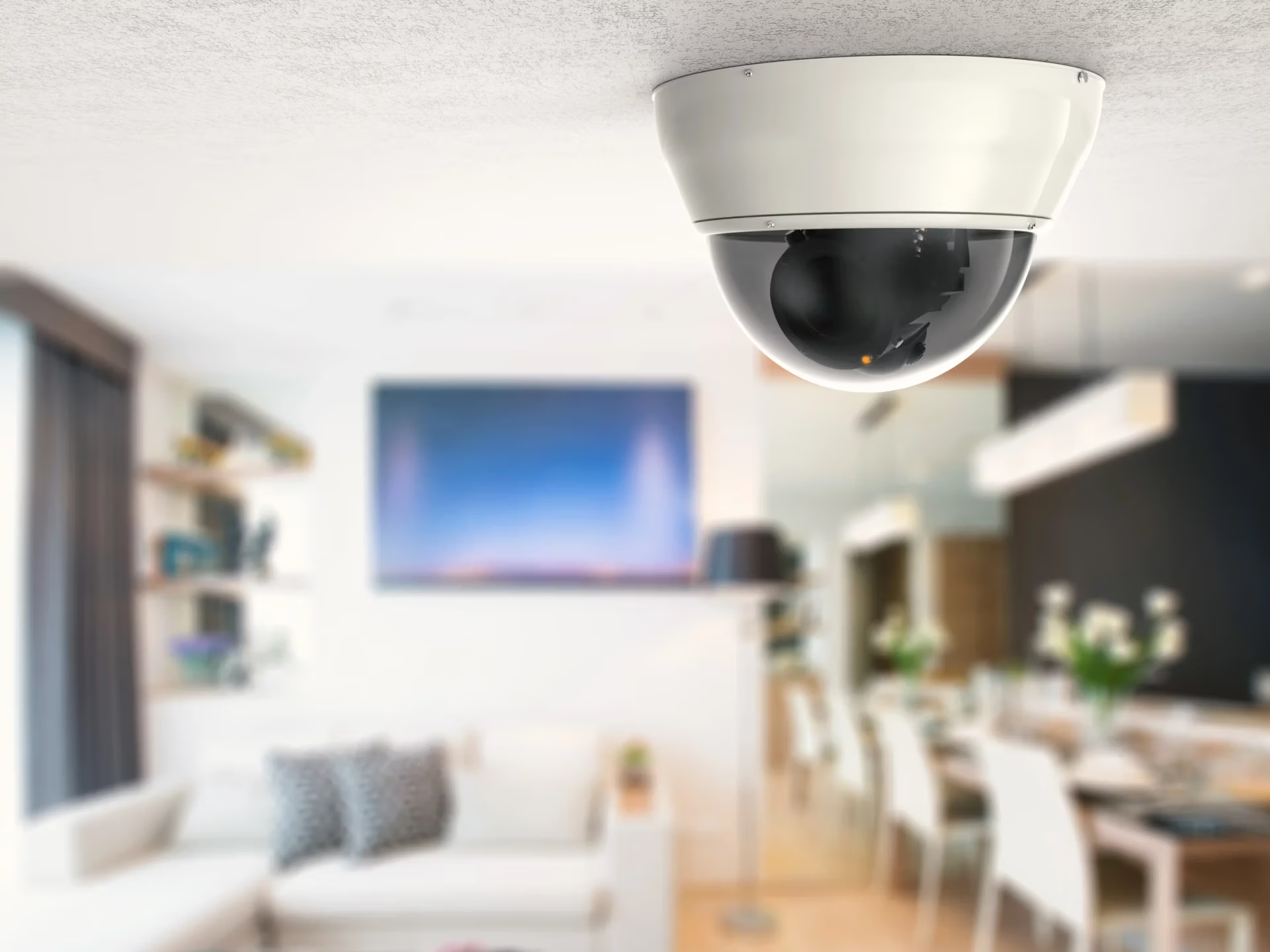
Cameras don't stop crime. They document it, deter casual attempts, and (with the right monitoring setup) verify alarms in real time so police actually show up fast. The mistake we see most is too few cameras pointed at the wrong things.
Cameras Police Can Actually Use
Exterior, interior, retention, and video verification. What you can prove later.
✓ Exterior cameras at every entry, the parking lot, and the dumpster
One camera per door, plus wide-angle coverage of any approach. Loading bays. Drive-through. Side alley. The dumpster, because that's where break-ins start. We've reviewed footage on dozens of incidents in Hamilton, Niagara Falls, and the GTA where the suspect cased the dumpster area for half an hour before kicking in the back door.
Use cameras with at least 4K resolution and infrared night vision rated to 30 metres. Cheap day-only cameras are basically useless for the hours your business is actually closed.
✓ Interior cameras on cash, stock, and customer floor
One camera per cash register or POS terminal. One in the stockroom or wherever inventory is held. One wide-angle on the customer floor showing the entire space. Office cameras are optional but useful for after-hours dispute resolution.
Position them at face height where customers and staff naturally look up. The point isn't to catch grainy top-of-head footage. It's to actually identify someone. Force Security designs business video monitoring systems specifically around line-of-sight to faces and IDs.
✓ 30 to 90 days of cloud and on-site recording
Most theft and fraud cases are reported 2 to 6 weeks after the incident. If your DVR only keeps 7 days you're already too late. Cloud backup matters because the first thing a smart thief does is rip the DVR out of the wall. With cloud, the footage is already off-site by the time they think of it.
For high-risk businesses we'd add live remote video monitoring, where a real person at the central station can actually see your cameras after hours and respond before anyone gets inside.
Group C: Life Safety
Most break-ins end without major property damage. A fire doesn't. A burst pipe doesn't. A walk-in cooler that fails on Friday at 9pm and isn't noticed until Monday at 9am doesn't. Life safety is the category business owners ignore the longest and lose the most money on when they do get hit.
Fire, Water, and the Stuff Insurance Asks About
CAN/ULC S561 monitored fire alarm. Water leak and environmental sensors.
✓ CAN/ULC S561 monitored fire alarm
Most commercial buildings in Hamilton, Niagara, and the GTA legally require a monitored fire alarm. The monitoring has to be done by a CAN/ULC-S561 certified central station, and your fire inspector asks for the certificate during inspection. If your current provider can't produce it, your fire monitoring may not be code-compliant and your insurance may not cover a fire claim.
Our central station is CAN/ULC S561 certified. If you're starting from scratch on the panel side, commercial fire protection systems are the page to read next.
✓ Water leak and environmental sensors
Water sensors near every sink, water heater, dishwasher, washroom drain, and refrigeration unit. A burst pipe in February causes more property damage than most break-ins. So does a slow drip from a leaky valve nobody notices for weeks. Environmental monitoring sensors trigger on freeze, flood, and temperature drops, and the central station calls you the second something goes wrong.
For restaurants, grocery stores, dispensaries, anything with cold storage: temperature monitoring on every walk-in, freezer, and fridge. A weekend power blip can wipe out tens of thousands of dollars of inventory before anyone notices. We see it every summer across the GTA when storms knock out power on a long weekend.

Group D: Access Control
Keys are a 1950s solution. The minute you have more than two people coming and going, keys become a liability. Lost. Copied. Kept by ex-employees. Never accounted for during turnover.
Who Gets In, When, and How You Prove It
Key fobs and PIN codes, audit logs, intercoms. Replace traditional keys.
✓ Key fob or PIN access on every staff entry
Every employee gets their own credential. You set time windows: Sarah can enter Monday to Friday 7am to 7pm. Marketing can enter Monday to Friday 9 to 5. Cleaners can enter Sunday only between 7pm and 11pm. When someone quits, you delete their credential in under a minute. No locksmith, no shipping cost, no lock replacement.
Access control systems integrate with your alarm so disarming on entry is automatic for authorized staff and impossible for anyone else.
✓ Audit log of who entered when
Every entry, every exit, every time. When you're investigating shrinkage, an after-hours theft, or a fraud claim, you can pull the log and see who was actually in the building. This single feature has solved more workplace investigations than every camera we've ever installed.
✓ Intercom at deliveries and side entrances
An intercom system with video and remote door release lets staff confirm who's at the back before unlocking. Critical for warehouses, restaurants, dental offices, anywhere with deliveries during the day. A quick "who is it?" check beats opening the door to a stranger every time.
Group E: Monitoring
This is the part that makes the rest of it actually work. Sensors and cameras don't call the police on their own. A monitoring centre does. The quality of your monitoring centre is the difference between a 60-second police dispatch and a 35-minute one (or none at all).
The 24/7 Humans Behind Your Alarm
ULC-certified central station, cellular backup, video verification.
✓ 24/7 ULC-certified central station
A real ULC-certified central station has redundant power, redundant data lines, fire-rated construction, and dispatchers on duty around the clock. Not "after-hours forwarding" to someone's cell. Not an app that beeps your phone and hopes you handle it. 24/7 monitoring means humans, every minute of every day, with formal procedures for every alarm type.
✓ Cellular backup, not landline only
Bell and Rogers shut down their 3G networks. If your alarm panel uses an old 3G radio, your monitoring is already dead and nobody told you. Confirm your communicator is LTE or LTE-M. If your alarm only uses a phone line, the first thing a thief does is cut the wire on the side of the building, and you've got no signal out.
Modern panels use cellular as the primary path with internet as a backup. Phone line is a third optional path, useful only if you've got a landline that isn't going anywhere.
✓ Video verification for police priority response
Police across Toronto, Hamilton, and Niagara treat unverified alarm calls as low priority because 95%+ are false. Verified alarms (where the monitoring centre actually watches video of an intruder before dispatching) jump to the top of the queue. The same break-in goes from a 35-minute response to a 6-minute response. That's the entire difference between a stolen laptop and a stolen everything.
Want a no-pressure walkthrough of your business?
We'll come on-site, audit what you've got, and quote what you actually need. Family-owned, since 1988. No 5-year contract pitches.
Quick Reference by Industry
Some industries have their own non-negotiables. Here's where to dig deeper based on what you do:
Retail & storefronts
Glass-break, cash-register panic buttons, customer-floor cameras with face-height angles, and POS-integrated camera overlays for shrinkage investigations.
Retail security →Warehouse & industrial
Loading-bay cameras, after-hours motion in aisles, environmental on temperature-sensitive stock, perimeter cameras for the yard.
Warehouse security →Healthcare & medical
Access control on records and pharmacy areas, panic buttons at reception, after-hours intrusion, and HIPAA-style logging requirements.
Healthcare security →Hotel & hospitality
Common-area cameras, back-of-house access control, kitchen fire monitoring, and integrated panic for staff working alone.
Hospitality security →Construction sites
Temporary perimeter cameras, copper-wire and tool theft detection, mobile alerts, and site monitoring during long off-hours windows.
Construction site security →Condo & apartment
Lobby and elevator cameras, parking access, common-area panic buttons, intercom integration with each unit, and visitor logs.
Condo security →
5 Mistakes We See on Almost Every Audit
If you only fix one thing on this checklist, fix the one that matches the mistake you're already making. Here are the five that show up over and over:
1. Sticker on the window, no actual monitoring
Old contracts that lapsed. Accounts that got lost in a corporate acquisition. Monitoring that died when the 3G radio went down two summers ago. The keypad still beeps. Nobody's listening. It's the most common thing we find on business audits. Here's how to check yours.
2. Cameras pointed at ceilings or empty floor space
Whoever installed it aimed for "coverage" without thinking about ID. The footage shows tops of heads or empty aisles. Useless during an actual investigation. Every camera should have one specific job: this exit, this register, this stockroom door.
3. Five years of staff turnover, zero changed locks
Eight people have come and gone since the last lock change. Half of them probably still have keys. Replace your locks with access control and the problem disappears permanently. Each new hire gets their own credential. Each departure takes 30 seconds to revoke.
4. Fire monitoring that isn't actually CAN/ULC S561 certified
Most national alarm companies aren't ULC S561 certified for fire monitoring. They send fire signals through their general central station, which doesn't meet code. Your fire inspector finds out, you fail inspection, your insurance gets a letter. Ask for the certificate. If they can't show you one, you've got a problem.
5. No environmental sensors on cold storage
Restaurants, grocery, pharmacy, dispensaries, florist shops. Anyone with refrigerated stock. A power dip on a holiday weekend wipes out tens of thousands of dollars before anyone notices. Temperature sensors are cheap. The loss isn't.
Where to Start If You're Starting From Zero
If you've got nothing in place and a budget that doesn't stretch to all five categories at once, here's the order we recommend:
First, monitoring. A working business alarm system with 24/7 ULC-certified monitoring and cellular backup. Door, window, and motion sensors. This is the foundation. Everything else builds on this. If you've already got a panel from another provider and just want to switch monitoring, ask about an alarm system takeover. Most existing hardware can be reprogrammed to our central station, so you're not throwing equipment out.
Second, life safety. CAN/ULC S561 monitored fire alarm if your building requires it (most do). Water sensors near vulnerable equipment. Environmental on cold storage if applicable.
Third, cameras. Start with the four most critical positions: rear entry, front entry, cash, and stockroom. Add more as the budget allows. Camera systems can be staged and expanded over time.
Fourth, access control. Replace traditional keys with fobs or PIN codes. The first month after installation pays for itself the first time you remove an ex-employee's access in 30 seconds.
Fifth, panic buttons and intercoms. Add silent panic at the till, hold-up buttons in cash-handling areas, and intercoms at deliveries.
Realistic timeline: a small to medium business in Hamilton, Niagara, or the GTA can get the first three categories installed in a single visit, with cameras and access control phased in over the following month. We've done it for restaurants, retail, dental clinics, warehouses, and condo corps. Family-owned. Local. No 5-year contracts.
Frequently Asked Questions
What's the difference between a residential and a commercial alarm system?
A commercial alarm is built for the way a business actually operates: open and close routines, multiple users, partitioning, opening and closing reports, and integration with cameras and access control. A residential panel can technically be installed in a tiny office, but most businesses outgrow them in the first year. Real commercial alarm systems also support ULC-certified monitoring with cellular backup, which insurance and some leases require.
Do I legally need a monitored fire alarm for my Hamilton or Niagara business?
Most commercial buildings legally require a monitored fire alarm, and the monitoring has to come from a CAN/ULC-S561 certified central station. Your fire inspector confirms this during inspections. If your provider can't produce the certificate, your fire monitoring isn't code-compliant.
How many cameras does a small business actually need?
Most small businesses run 4 to 8 cameras. The non-negotiable spots are: every exterior entry, the cash handling area, the stockroom or back office, and the customer floor with a wide-angle view. Past that, it depends on the layout. A retail shop with one front door is different from a warehouse with three loading bays.
What's video verification and why does it matter?
Video verification means the monitoring centre can see live or short-clip video from your cameras the second your alarm trips. They confirm a real intruder before dispatching police, which gets you a priority response. Without it, police treat alarm calls as low priority because most are false.
Do I need access control if my business only has a few employees?
If you've ever had a former employee keep a key, or you've ever changed all the locks because someone quit, you needed access control. With key fobs or PIN codes, you remove someone's access in under a minute and you get an audit log of who came and went. Even a 5-person business benefits.
How fast does a real monitoring centre respond to a business alarm?
A ULC-certified central station should be on the phone within 60 seconds of an alarm trip, with police dispatched right after if it's confirmed. Add video verification and you bypass the false-alarm queue. Anything slower than 60 seconds means the dispatchers are overwhelmed or your account is on a low-priority queue, which is common with the big national providers during busy periods.
Ready to find the gaps in your business security?
Free on-site audit. We tell you what's working, what's missing, and what we'd actually do about it. No 5-year contracts. Family-owned in Hamilton since 1988, serving Niagara, Hamilton, and the GTA.
Related Services & Reading
Service pages mentioned in this guide:
Industry-specific:
Local pages:
Related reading: